Guide
Headset
Onboarding
Video walkthroughs and quick-reference checklists for hardware, software, and live demos.
STEP 01
Hardware & Demo Kit
What's in the case & how to handle it
Key Points
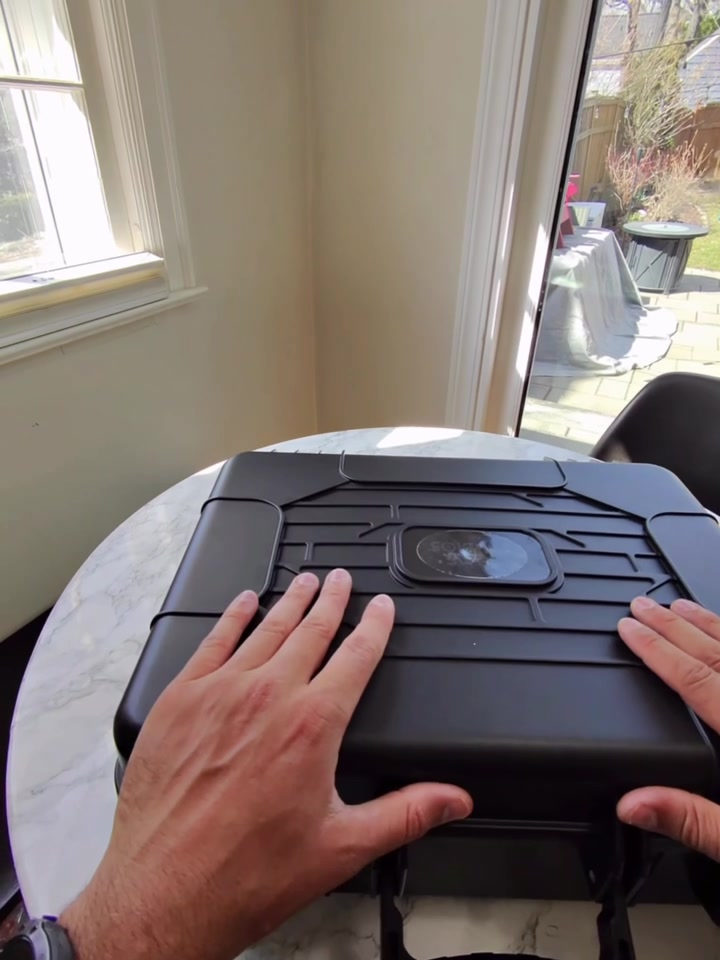
What's in the Case
- Headset, controllers, USB-C charger, headphone cable, lens cloth, and antibacterial wipes
- No controllers needed. Batteries removed; everything uses hand tracking
Controls
- Power button: hold to turn on/off, tap once to sleep
- Volume: inside button = down, outside = up
- Bottom dial adjusts lens spacing; only tweak if image isn't clear
- Indicator light: white = in session, yellow = charging, green = full, off = sleeping
Fit
- Back knob adjusts like a bike helmet for quick on/off, fits over hair
- Pull earpieces all the way down and over the ears; they adjust
Care & Packing
- See Step 4 for cleaning details between users
- Always unplug the headphone jack before packing so it doesn't get broken
- Crank the knob all the way down before closing the case
STEP 02
Software Setup
Navigation, Wi-Fi & launching the app
Key Points
Hand Tracking & Navigation
- Palm up, pinch thumb and pointer finger together to select
- Hold down a pinch to recenter, single tap to bring up the menu
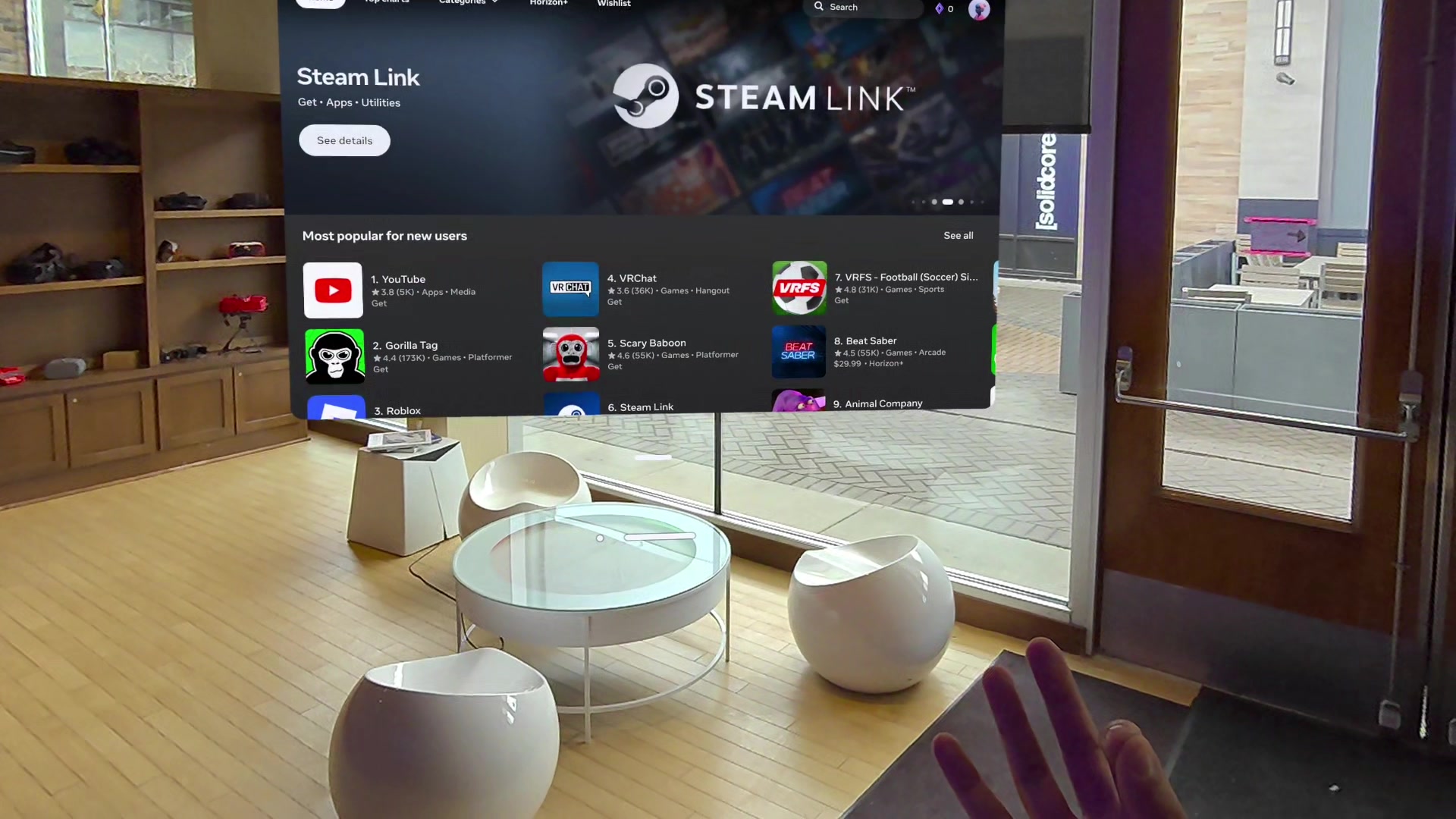
- Tap the library icon to access your apps
Wi-Fi & Launching the App
- Open quick controls from the menu to connect to Wi-Fi
- Only connect to Wi-Fi if you need to update the app. For immersive video updates, allow ~15 minutes with good internet
- Launch the app from your library with the laser pointer and a pinch
Operator vs. Participant
- Operators handle all setup: Wi-Fi, updates, and launching the app
- Participants only ever see the recalibration screen and the experience itself
- To exit the app, palm up, pinch to open the menu, and hit Quit
STEP 03
Updating the App
Keeping the experience up to date
Key Points
When to Update
- Only update when you're notified that there is an update
- You'll need Wi-Fi connected to download
Two Parts to Every Download
- The app update is shown in the video below. We use a version number based on the date we pushed it
- The immersive video files are larger and download automatically once you open the app while the headset is connected to the internet
How to Update the App
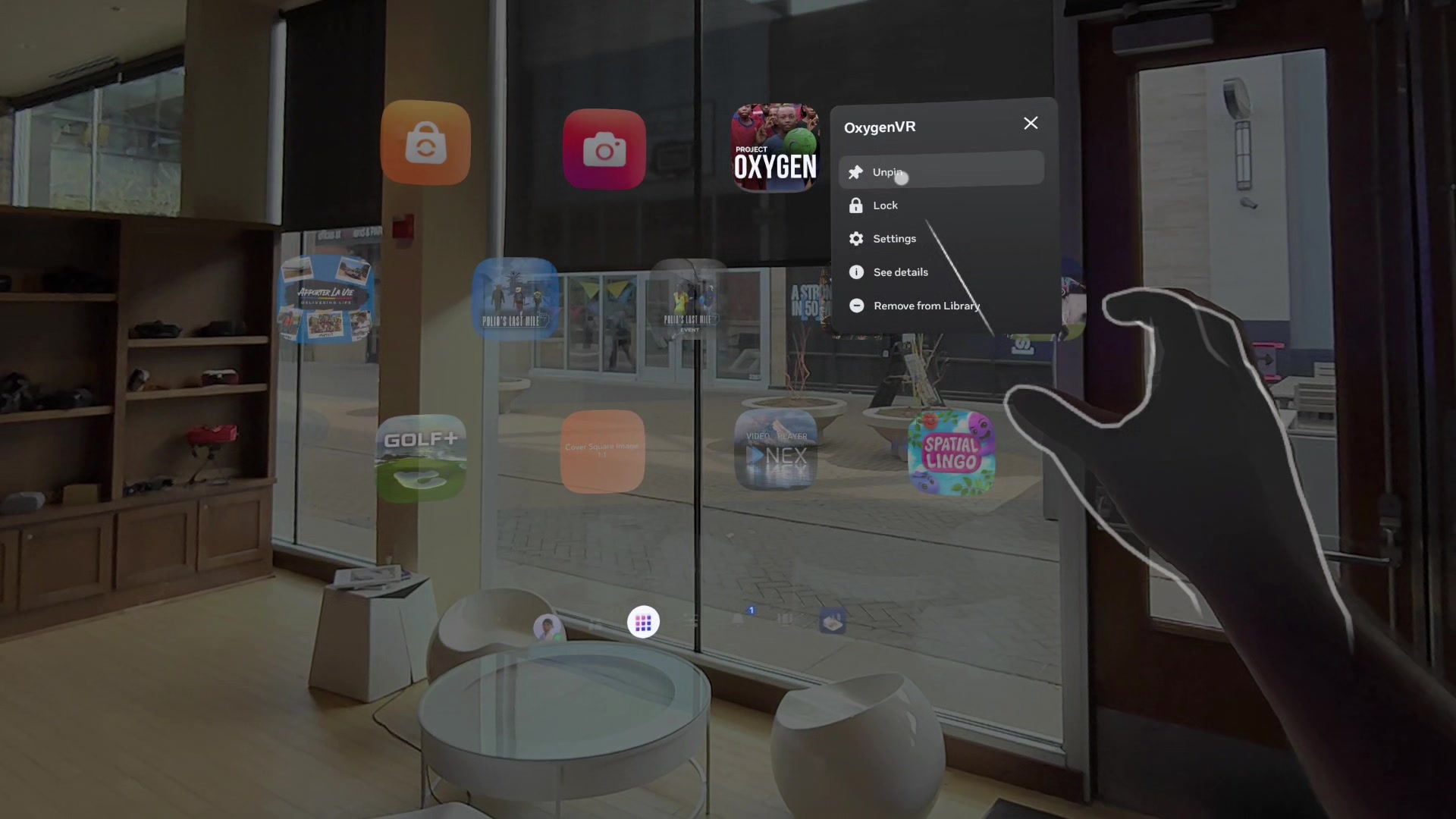
- Open the library, hold down on the app, and go to Settings
- Tap Release Channels and select the Alpha channel (the one without a checked dot), then hit Confirm
- Go back to the library, hold down on the app again, and tap See Details
- The button will say Update instead of Start. Tap it and wait for it to finish
- Once everything is downloaded, you're all set. No internet needed at events. Everything lives on the headset.
STEP 04
Running a Demo
User onboarding, session flow & cleanup
Key Points
Before You Start
- Make sure the headset is updated, charged, and clean before each event
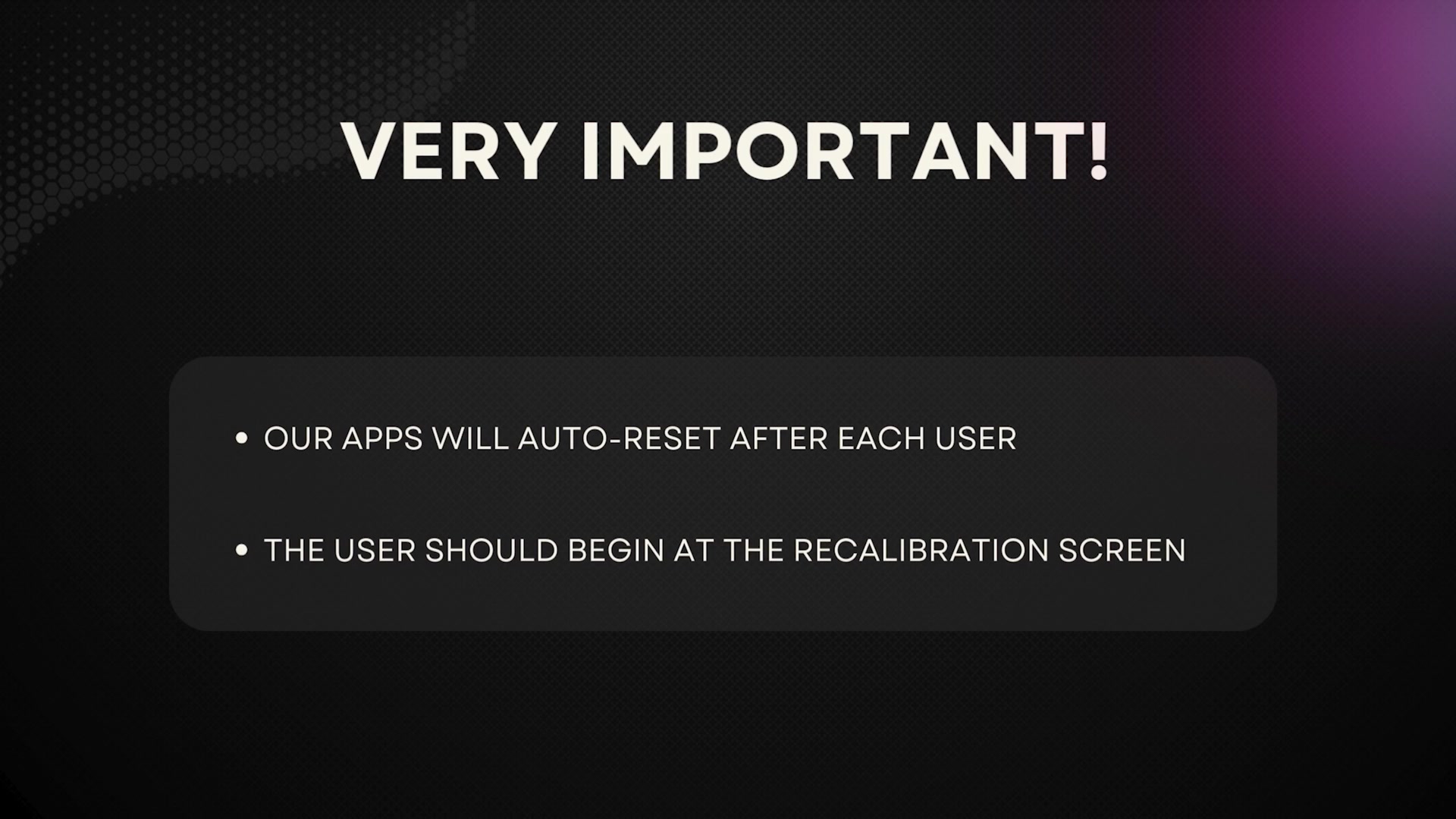
- Apps auto-reset between users; only need to launch once per event
- ~10 seconds after removal, you'll hear "Resetting experience" and it returns to start
- Battery is visible on the recalibration screen. Don't start under 25%; a full charge gets ~4-5 playthroughs
Getting Them In
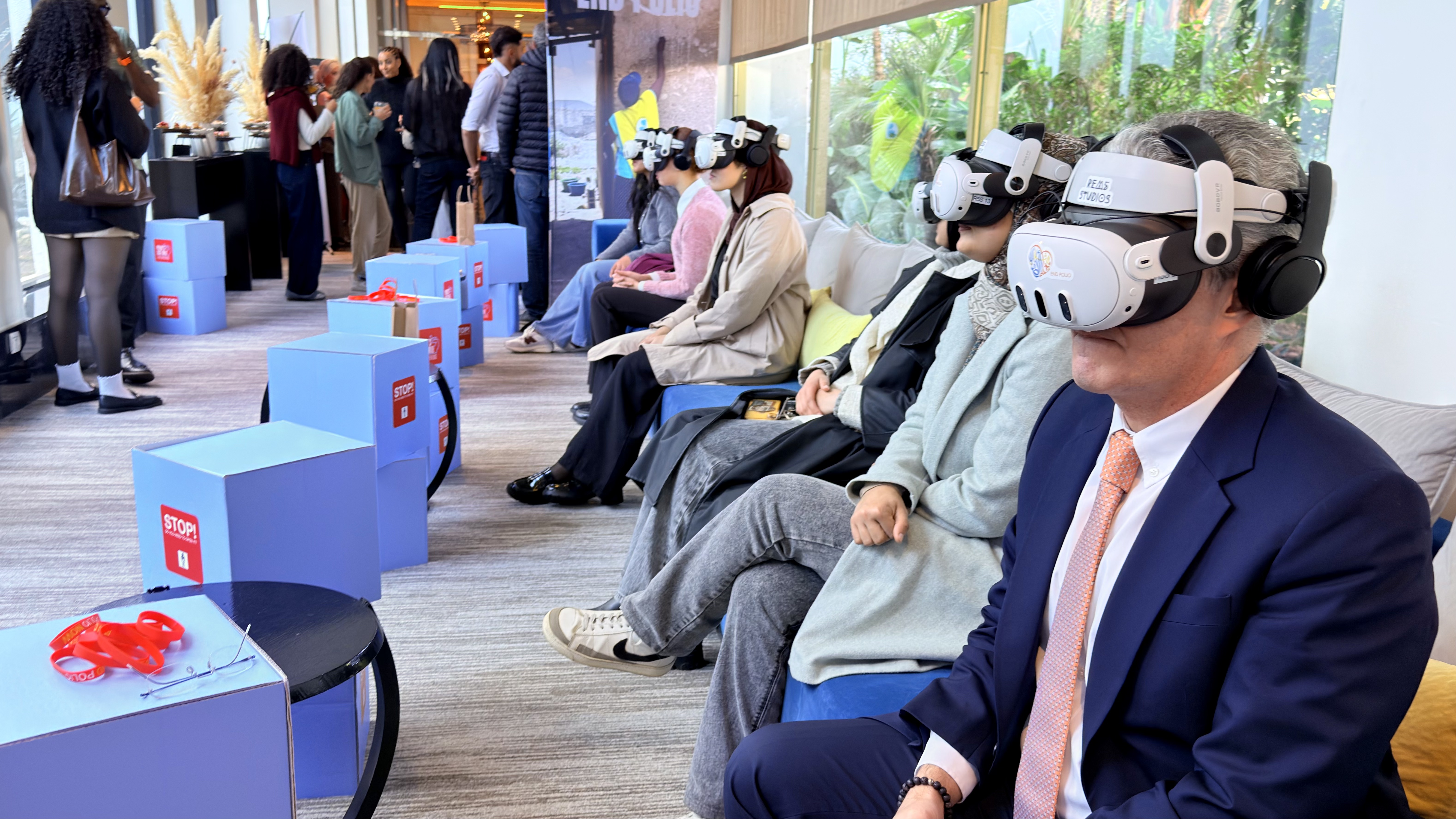
- Seat them with 3-4 feet of space and give a quick preview of the experience
- Cover any interactions (reaching, touching, grabbing); let them know you're nearby
- Glasses usually aren't needed; small frames can fit if preferred
- Forward-facing hats off or backwards; other headwear, use your judgment
- If they're okay with it, help them put it on. Secure the strap low on the back of the head, then confirm clarity and comfort together
- Clarity is key. Let them know they can reach up and wiggle the headset around until things snap into focus. Once it's sitting just right, they'll know.
During & After
- Stay close by. If audio seems low or the headset looks off, step in. Most people won't say anything on their own.
- The experience prompts removal when done, but some will wait for you. Loosen the strap first, then share any next steps
- Wipe contact areas with antibacterial wipes; clean inside lenses with the dry lens cloth